
Before you order
Individual item, box or case? Check your package quantity
Two listings can look similar while containing different quantities. Taking a moment to check the sales unit helps you compare prices and order the amount you intended.
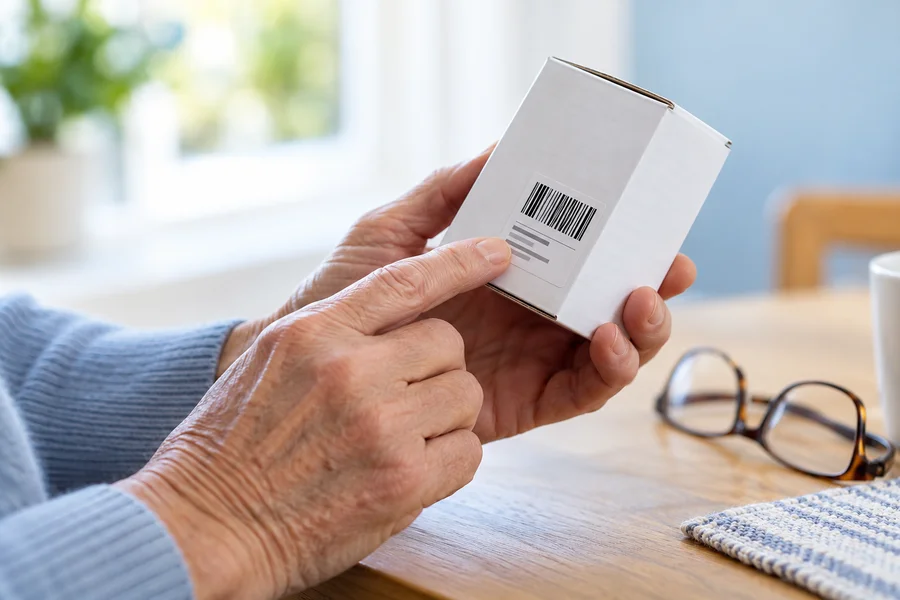
Match the product reference first
Start with the brand and manufacturer’s reference or store SKU. Similar names and packaging can describe different sizes or product versions. Compare the full reference and size with the details on your supply list or current packaging.
Check what one unit in your cart represents
Read the listing to see whether the price is for an individual item, a package, a box or a case. A cart quantity of one refers to one sales unit shown in that listing. It does not necessarily mean one individual piece.
Work out the number of packages you need
For example, if a listing clearly states that one box contains 10 items, a cart quantity of two boxes represents 20 items. This is only an example: package quantities vary, so always use the quantity shown for your exact product.
Ask before ordering if anything is unclear
If the title, description or image leaves you unsure about the quantity, contact our team with the item number before placing your order. Product images can help you recognise a range, but the listing’s reference, size and sales unit are the details to confirm.
For health and hygiene reasons, routine returns are not accepted. Please contact us if there is a product issue or an order mistake. Checking the listing first can help prevent an unwanted order.
Need a hand?
Email our team at orders@ostomysale.ca.